Archives and restoration
Bring archive footage back, with a record of what was done
Restore, colourise, sharpen and enlarge old film and video inside Blender. Your original is never altered: each result is a new file, and its receipt records which model processed it, with which settings, on which host.
Restoration in one pass
Scratches, dust, noise, softness and compression treated together. Describe the period, the place and the light in one line.
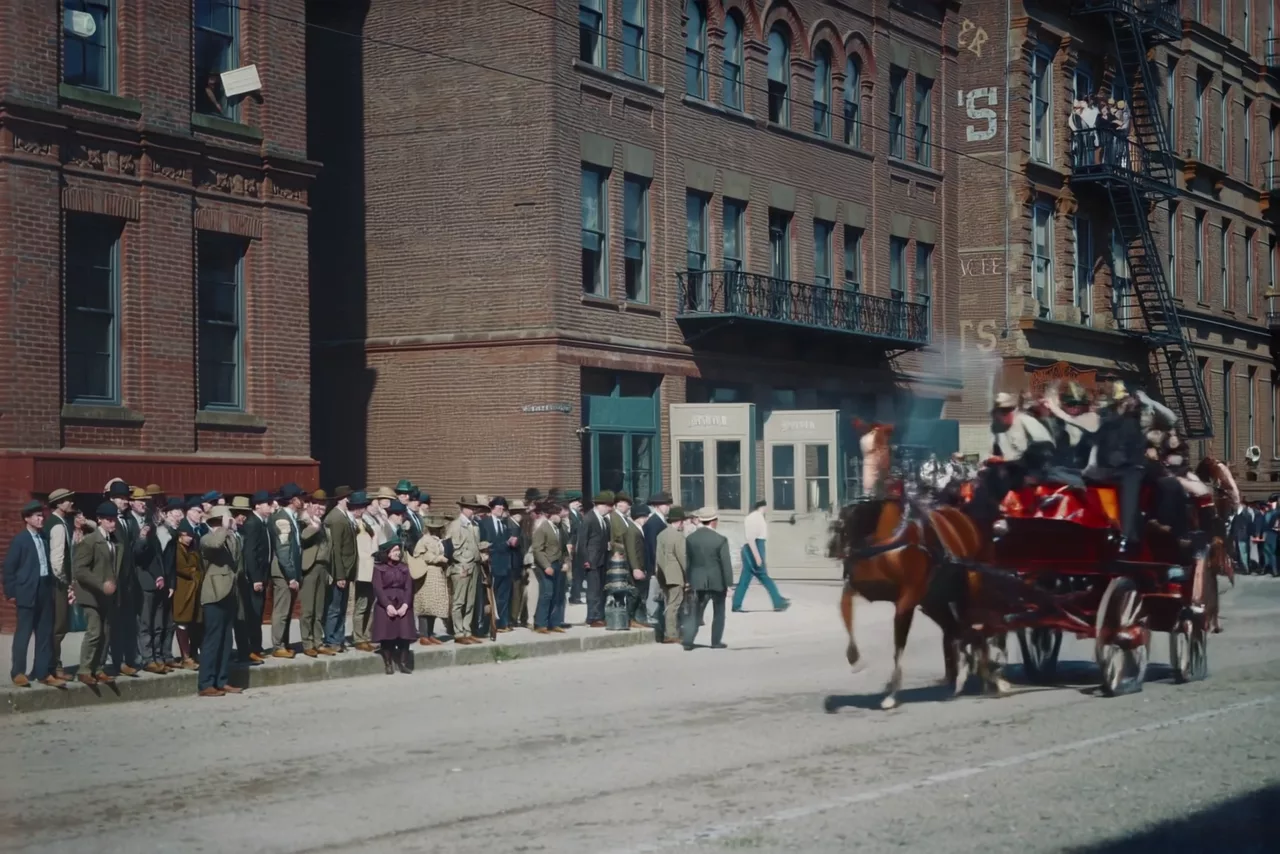 Archive filmRestored
Colour for black and white
Describe the scene and its colours, and the footage is colourised to match. Colour is always a reconstruction, so the description is yours to decide.
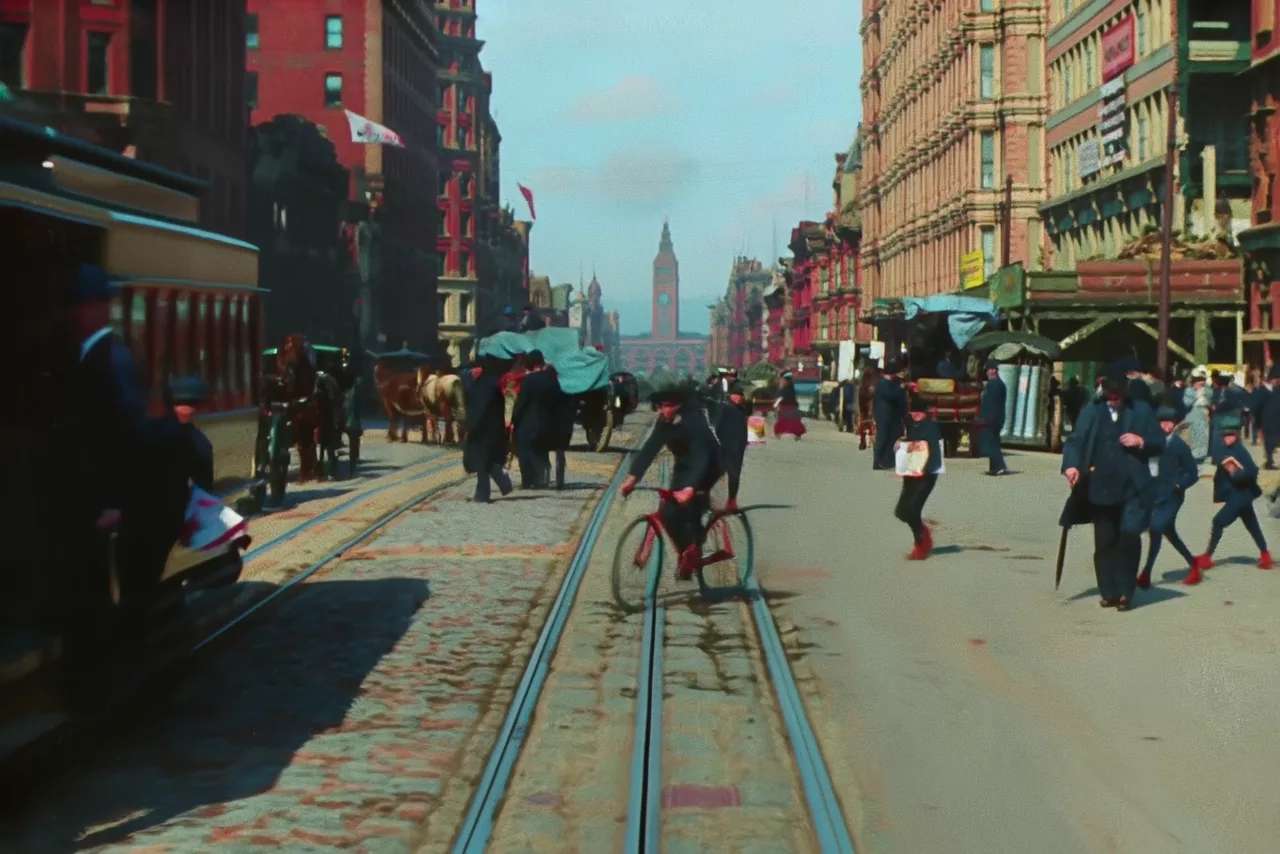 1906 filmColorized
Faces that stay recognisable
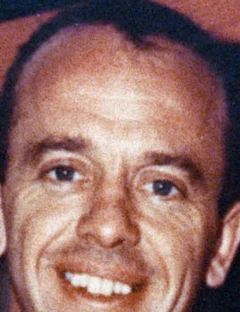
In a wide, low-quality shot a face has too few pixels to restore faithfully. A close-up photograph of the same person guides the restoration so the likeness is kept.
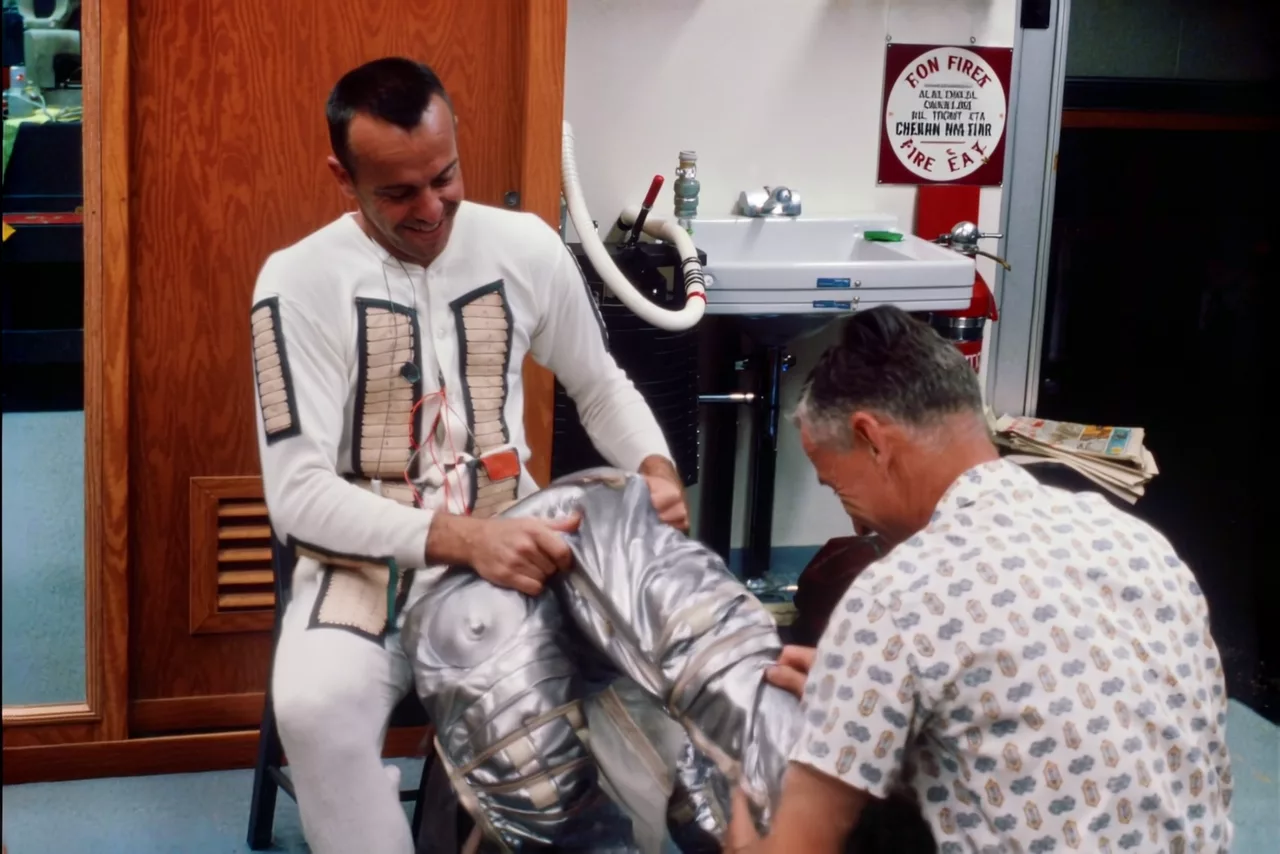 1961 filmRestored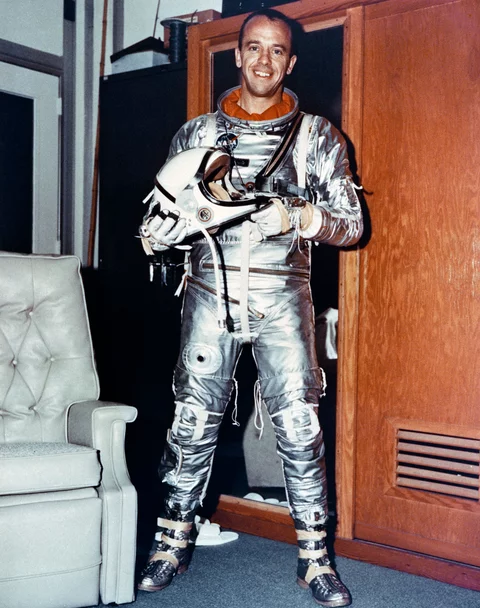
 NewsreelDeblurred
Over-compressed video
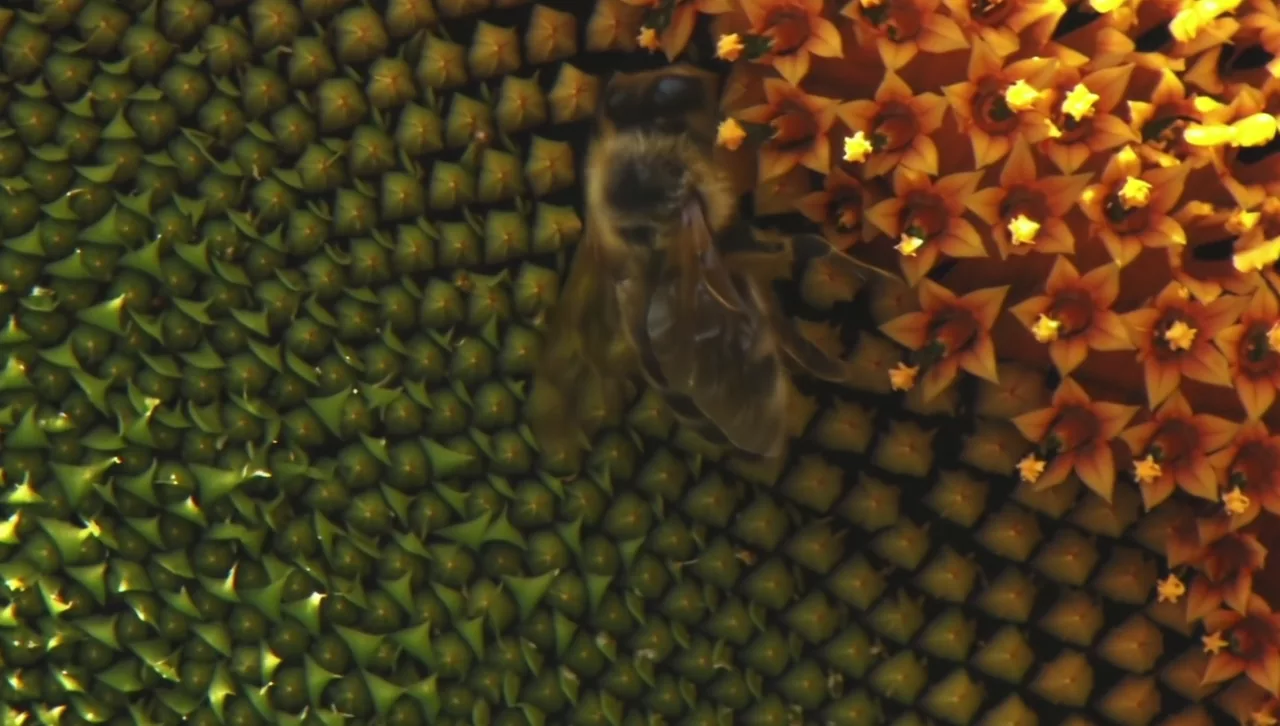
Blocks, banding and smearing from old digital video and web copies, cleaned up.
 CompressedFixed
Standard definition to HD and 4K
Refine Details doubles real footage with fine detail at up to 4K; Restore (LTX 2.5) lifts soft, low-resolution film in the same pass as the clean-up.
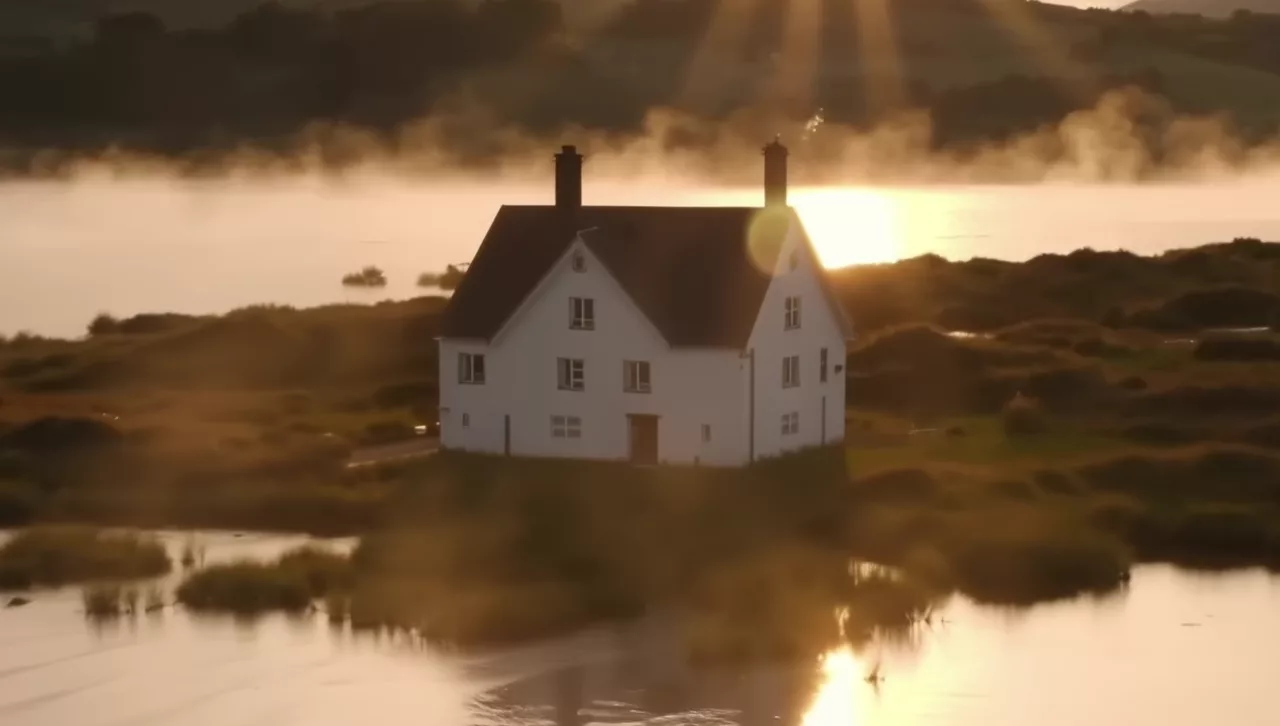 HD sourceRefine 4K
“It looks fantastic! The pixelated image has gone! Awesome! Thank you.”
Originals untouched
Every result is a new file placed beside its source; nothing overwrites your scan.
Chain of custody
Each clip’s receipt records the model, the settings, the host and the payment, and your own computer checks it.
Whole reels, shot by shot
Batch restores every shot in a sequence and makes long shots in overlapping parts, with one estimate before you approve.
Every tool for this work
Restore (LTX 2.5)
Damaged, soft, noisy or compressed footage restored in one pass.
LTX 2.3Restore (LTX 2.3)
Detail recovered from degraded footage, framing kept.
LTX 2.5Colorize
Natural colour for black-and-white footage.
LTX 2.5Restore with Reference
Restoration that keeps a real person’s likeness from a reference photograph.
LTX 2.5Deblur
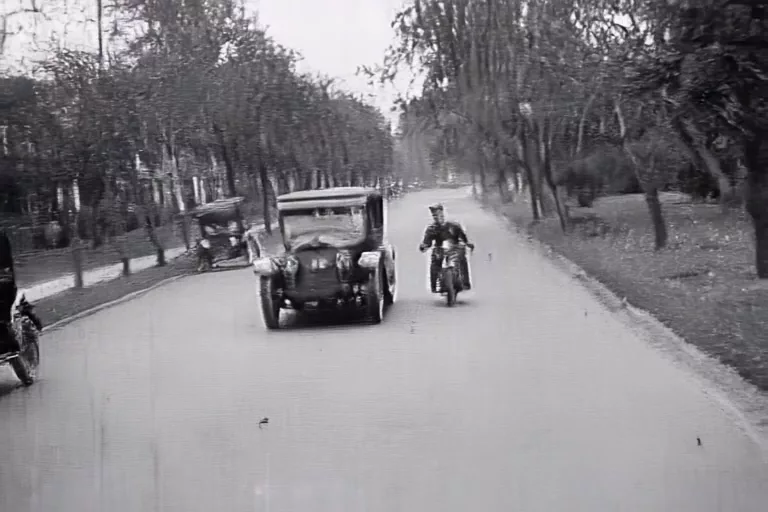
Out-of-focus or motion-blurred footage sharpened.
LTX 2.5Fix Compression
Blocky, heavily compressed video cleaned up.
LTX 2.5Refine Details
Fine detail added to soft or upscaled footage, up to 4K.
Coming soon
Leave your email and we will send one message when it is ready to install.