Post-production and VFX
Plates, passes and finishing, inside your edit
The jobs that eat days in post, done from Blender’s Video Sequencer: clean plates, mattes, relighting passes and 4K detail. Results come back frame-aligned with your source, and in EXR where the pipeline needs it.
Clean plates
Passers-by removed from a locked-off shot and the background rebuilt behind them, ready to use as a background plate.
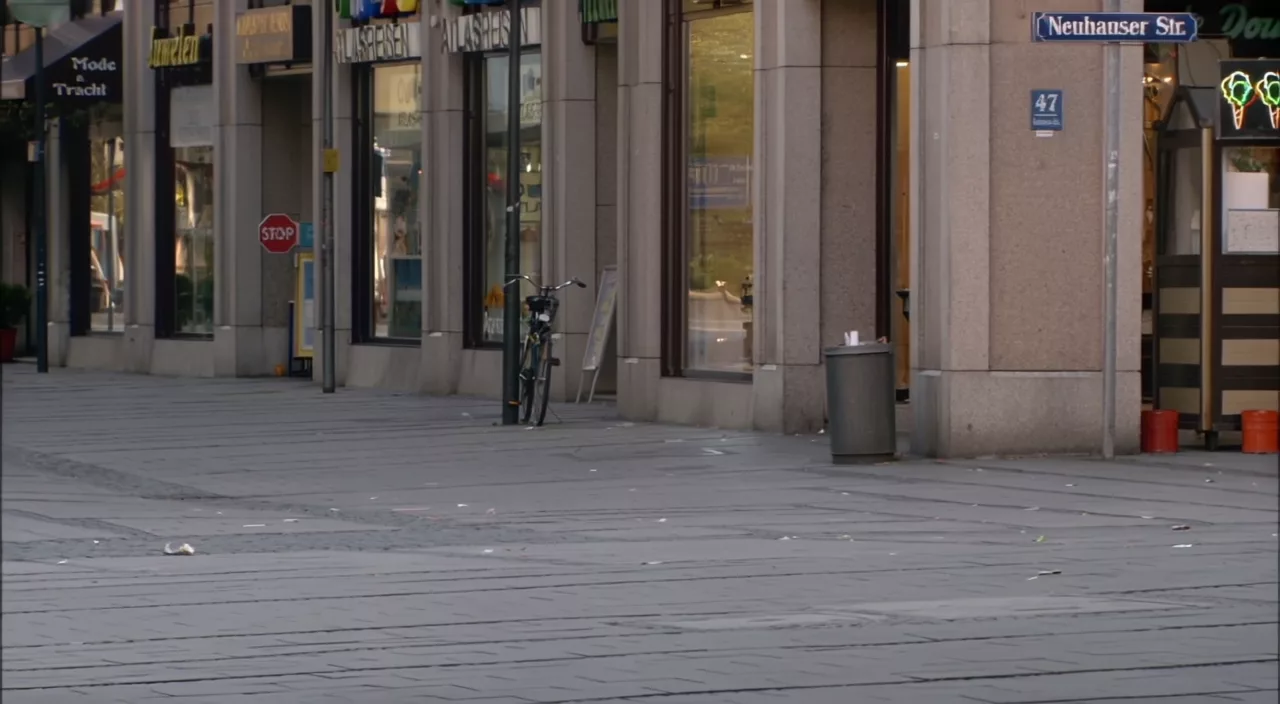 SourceClean plate
Cut-outs without a green screen
The subject with a real alpha channel and its matte, frame-aligned with the clip. No mask, no prompt, no keying.
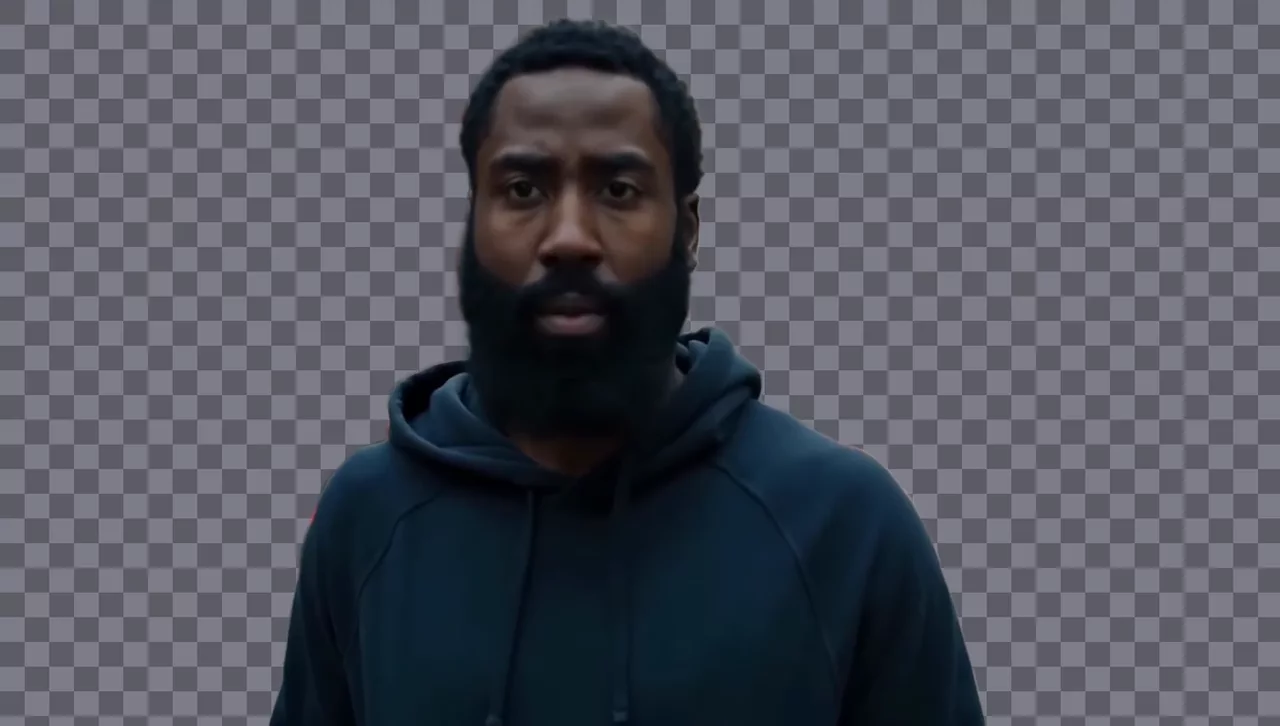 SourceCut-out
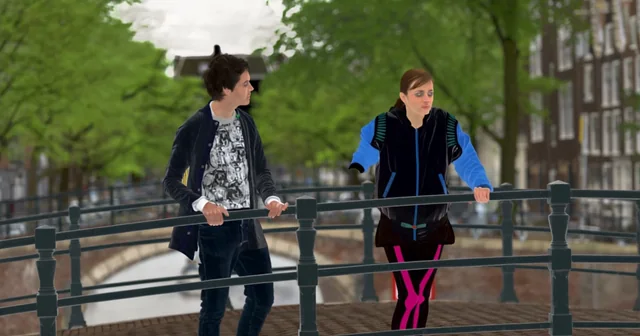
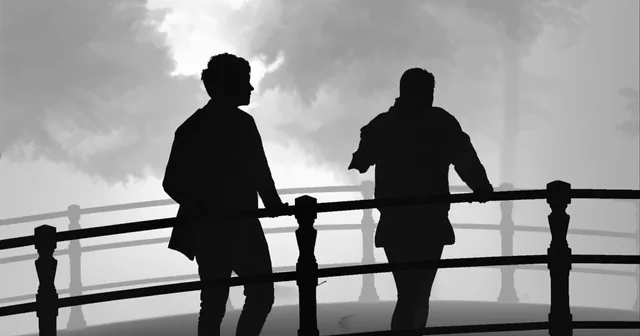
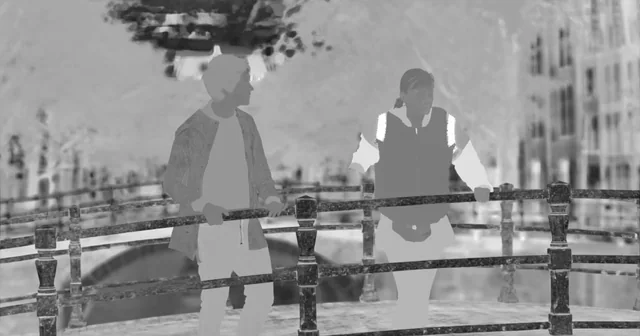
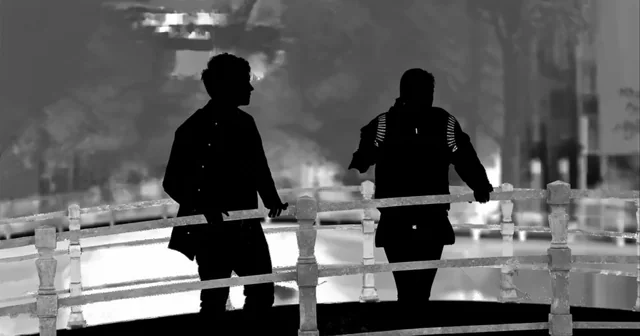
Passes from live action, then relight
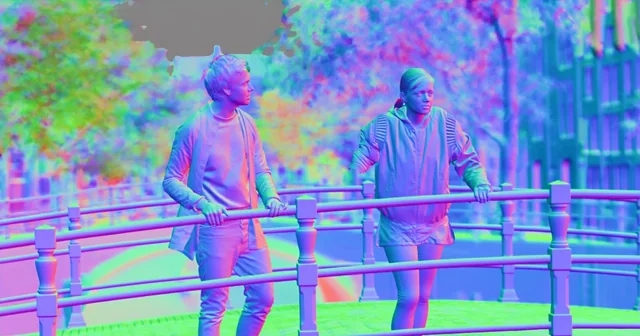
Normal, base colour, depth, roughness and metallic passes made from your footage, as EXR frames. The relighting runs in Blender, so you can move lights and change the look as often as you like.
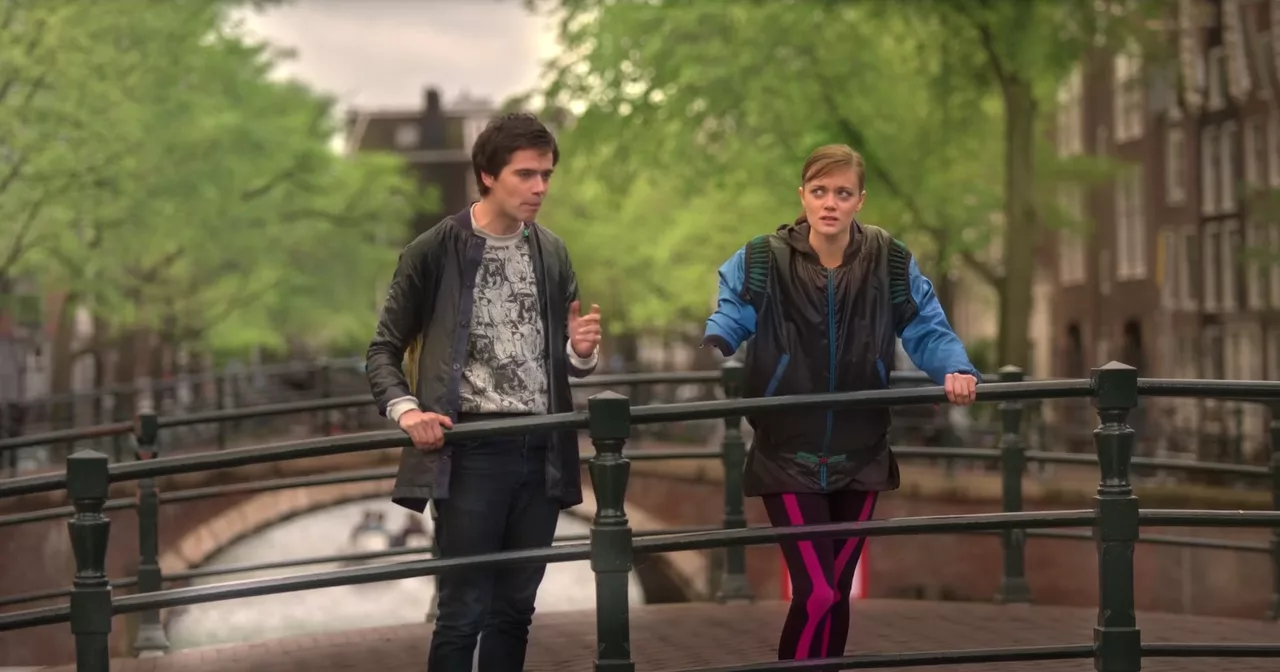 SourceRelit
The passes it was relit from
HD to 4K with real detail
Refine Details doubles a shot to 4K and adds fine detail in textures, foliage and faces; on real footage where faithfulness matters, judge it closely. Upscale ×2 (LTX 2.5) doubles AI-generated shots up to 4K and invents fine detail as it goes, so keep it for AI shots: on real footage it redraws.
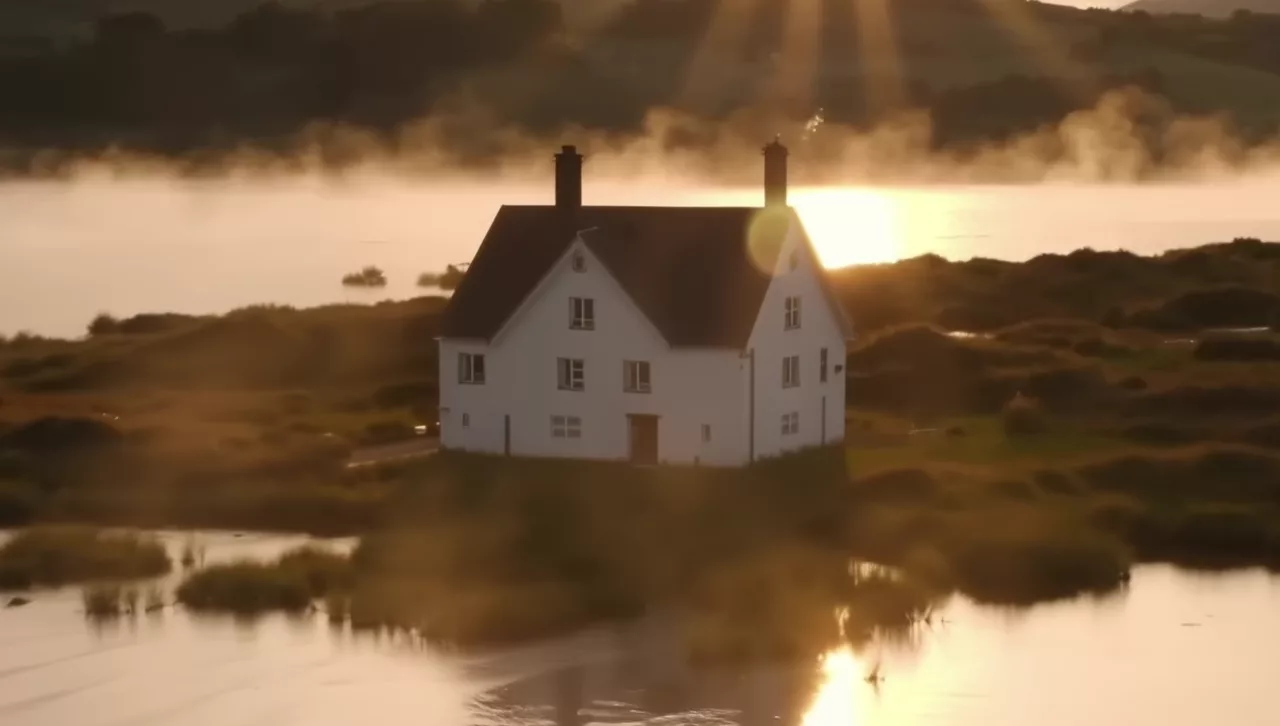 HD sourceRefine 4K
Fixes by prompt
Add, remove or replace something with one sentence, or restyle a shot to a reference look while its motion and camera stay.
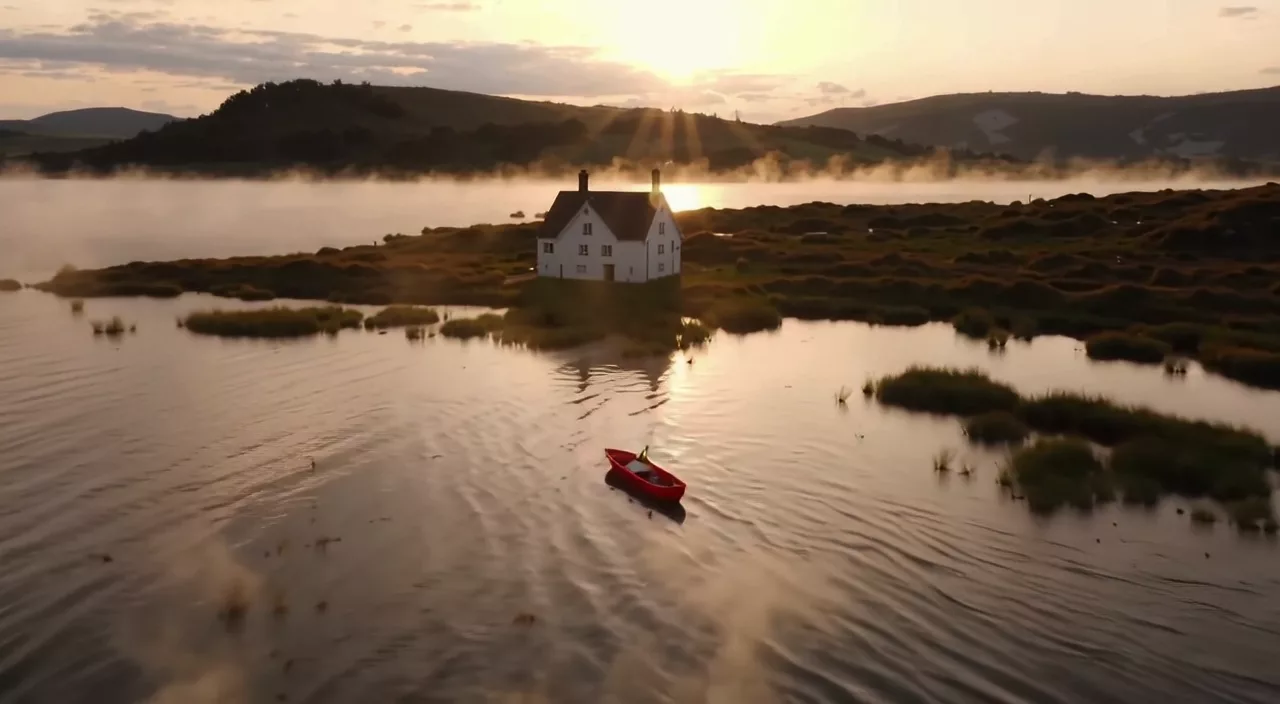 SourceEdited
HDR and EXR
Convert to HDR rebuilds an SDR shot as a scene-linear EXR master for grading. EXR or DPX frame sequences can go in as the source, and 16-bit EXR masters can come back.
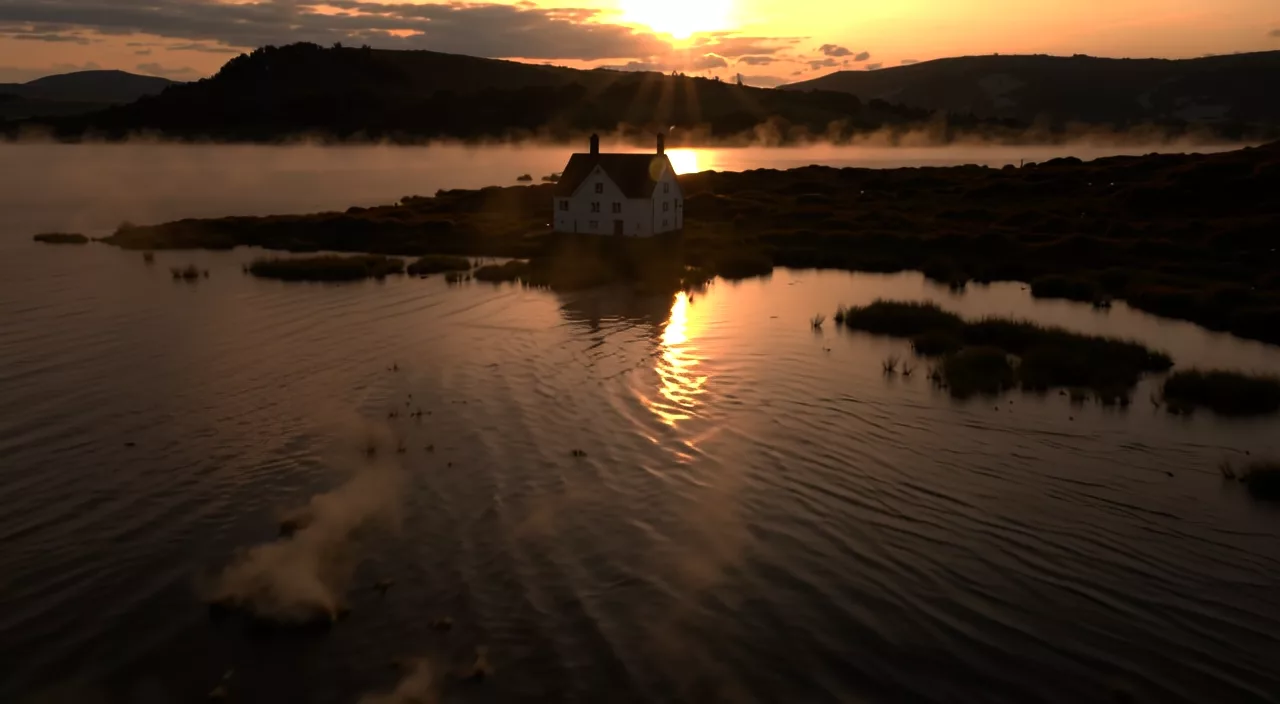 SDR, −3 stopsHDR master, −3 stops
Frame-aligned
Results come back at exactly the frames you sent and are placed in line with their source on the timeline.
Long shots in parts
A shot longer than one job is made in overlapping parts joined by crossfades, with the whole estimate shown before you approve. In Refine Details and Upscale ×2, each part continues the end of the one before, so lettering and fine detail stay the same across the joins.
A record of every job
Each clip carries a receipt of the model, the settings and the payment, checked by your own computer.
Every tool for this work
Clean Plate
People and moving subjects removed, the background rebuilt behind them.
LTX 2.5Cut-out (Alpha)
The subject cut out with real transparency and a matte. No green screen.
NVIDIA CosmosVFX Passes and Relight
Normal, base colour, depth, roughness and metallic passes from live-action footage, then relight it.
LTX 2.5Refine Details
Fine detail added to soft or upscaled footage, up to 4K.
LTX 2.5Upscale ×2 (LTX 2.5)
AI-generated shots at twice the size, with new fine detail.
LTX 2.3Edit by Prompt
Add, remove, replace or restyle something in a shot with a sentence.
LTX 2.3Restyle
Restyle one frame, and the whole shot follows: motion and camera kept.
LTX 2.3Convert to HDR
An SDR shot rebuilt as a scene-linear HDR EXR master for grading.
Coming soon
Leave your email and we will send one message when it is ready to install.