Filmmakers and production companies
The shots you didn’t get on the day
Make the shots the schedule or the budget did not allow, inside the edit you are already cutting in Blender. Every shot is priced before it renders and lands on your timeline next to your footage.
From layout to a finished shot
Block the shot in Blender with grey shapes and a camera move, add one picture for the look, and get back a finished shot that keeps your camera and placement. Previs that becomes the shot.
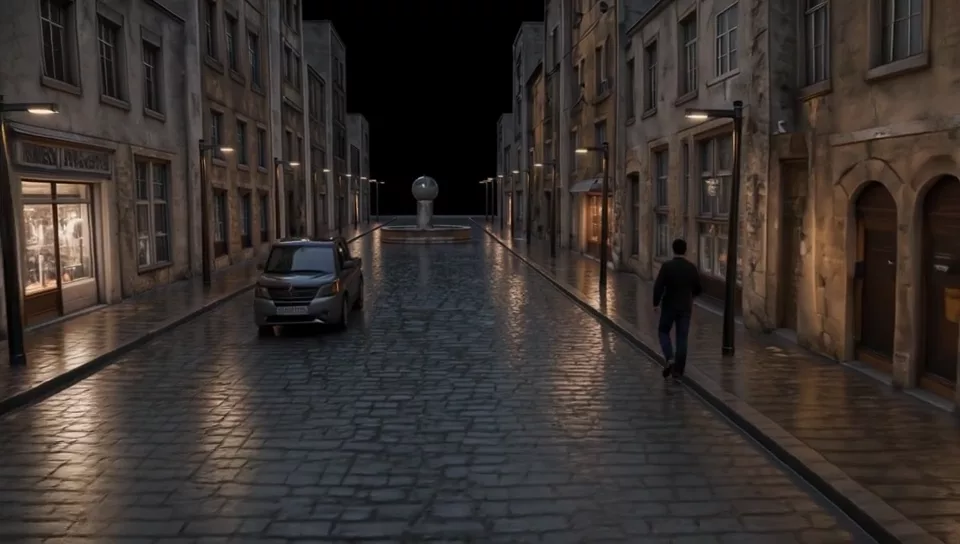 LayoutRender
Slow motion from a still
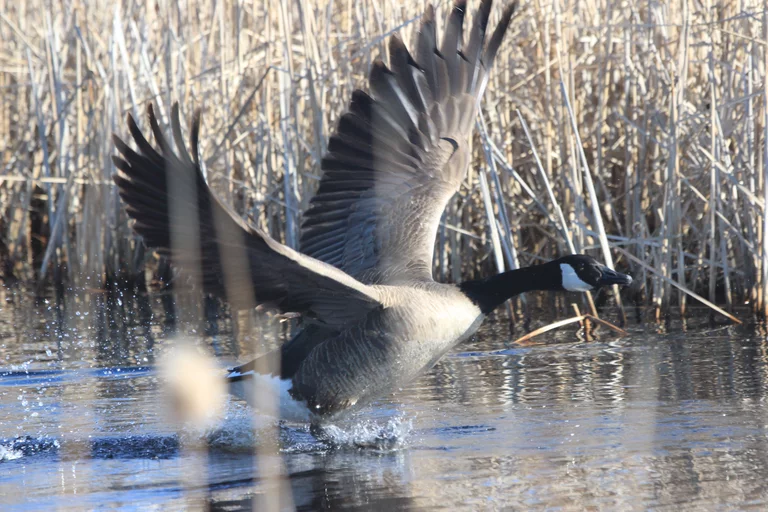
Pick a frame and a speed, down to forty times slower. The motion is generated slow rather than stretched, so there are no repeated or blended frames.
What went in
The establishing shot you never got
An establishing shot, a cutaway or a transition between two frames you already have, generated where the playhead is.
Drafts to full resolution
Make drafts small and quick, then take the ones you keep to twice the size, up to 4K, with new fine detail: fur, hair, number plates and textures come back sharp. For AI-generated shots; real footage has its own tools.
 Enlarged conventionallyUpscale ×2 (LTX 2.5)
Coverage from a single take
Re-film a take from a camera position you choose, or reframe it for vertical screens with the edges painted in.
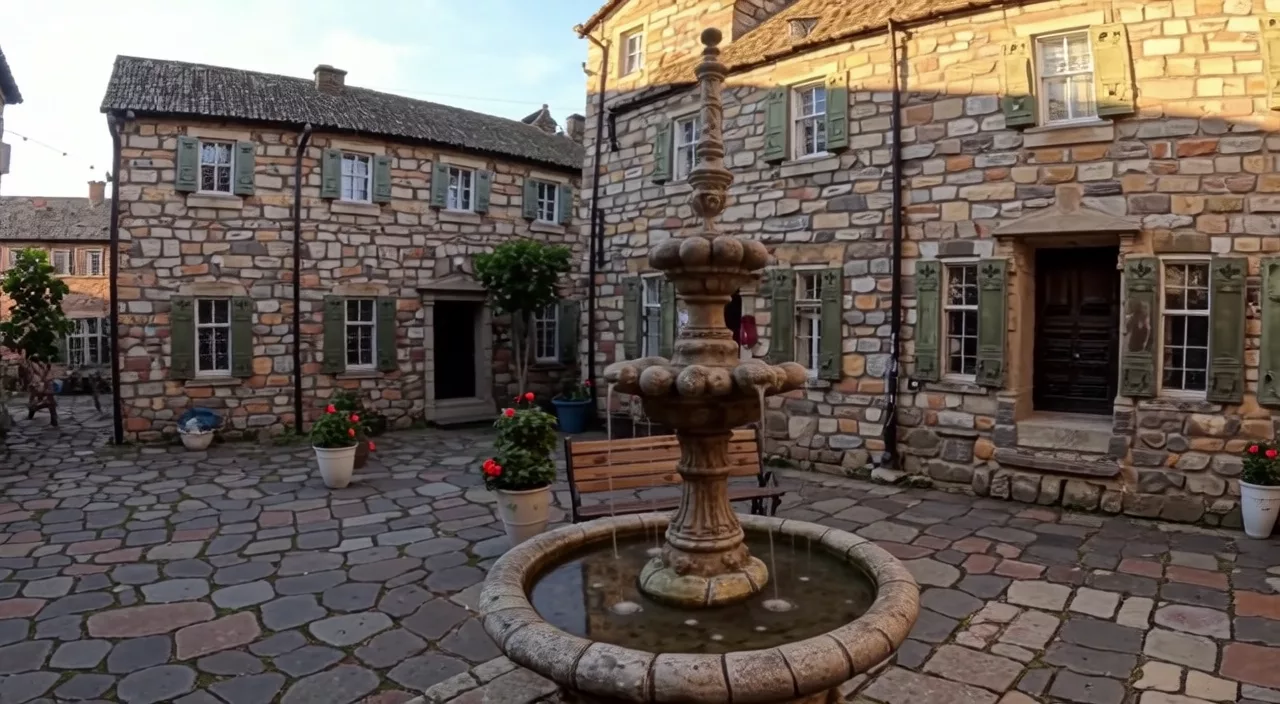 Original cameraNew angle
Change the conditions
Turn a daylight shot into night, or add rain, a river or a flood, while the subject, framing and motion stay the shot you filmed.
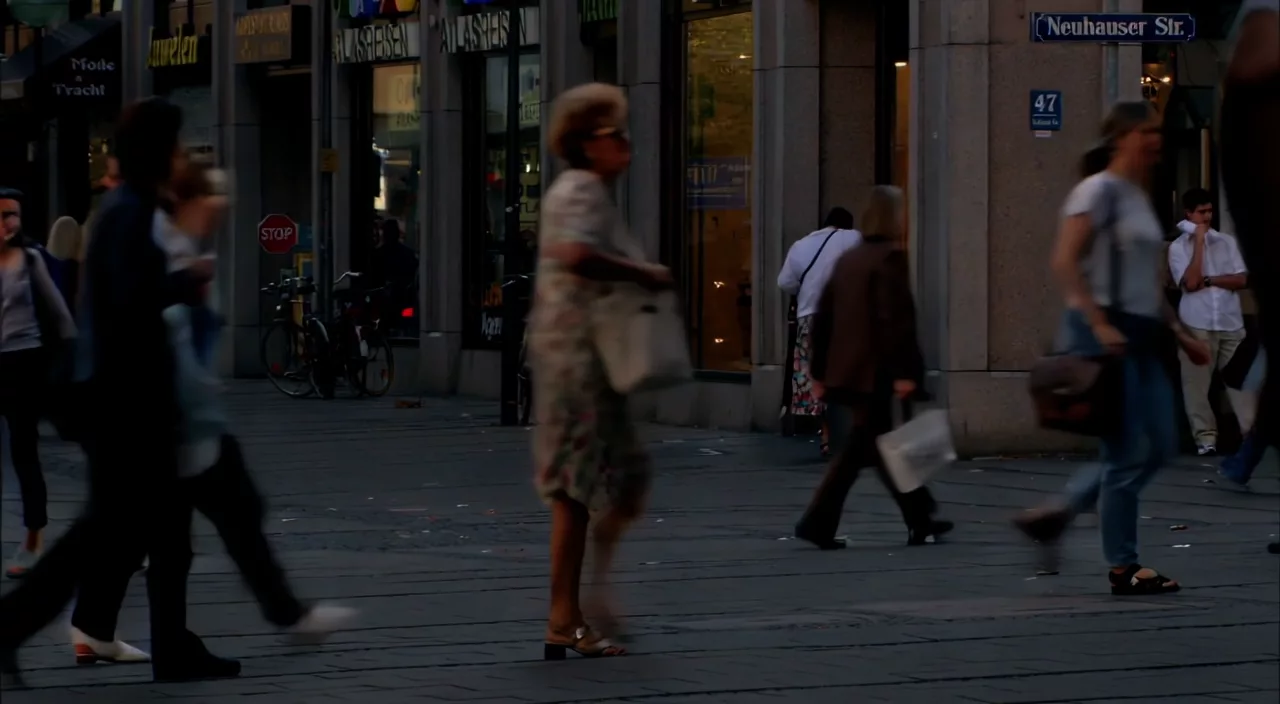 DayEvening
Keep a look consistent
One reference sheet carries characters, props and places from shot to shot.
 Reference sheetGenerated
In the edit, not a browser tab
Select strips on the Video Sequencer, check the price, press Generate. The result is placed on the timeline for you.
Priced before you pay
The exact cost shows before anything renders, and that is what you are charged.
Open models
Lightricks’ open-weights LTX 2.3 and LTX 2.5, run on independent GPU hosts.
Every tool for this work
Layout to Render
A grey layout of your 3D scene turned into a finished shot.
LTX 2.5Slow Motion
Slow motion from a single still, down to 40 times slower.
LTX 2.3Text to Video
A new clip from a written description.
LTX 2.3Image to Video
Animate a still forward from its first frame.
LTX 2.3First-Last Frame
Motion between two stills you place on the timeline.
LTX 2.5Upscale ×2 (LTX 2.5)
AI-generated shots at twice the size, with new fine detail.
LTX 2.3New Camera Angle
The same take, re-filmed from a camera position you choose.
LTX 2.3Outpaint
Reframe a shot to a new aspect ratio and paint the new edges.
LTX 2.3Day to Night
A daylight shot turned into the same shot at night.
LTX 2.3Water
Rain, rivers, floods or splashes added to a shot you filmed.
LTX 2.3Ingredients (Reference)
Characters, props and places kept consistent from one reference sheet.
Coming soon
Leave your email and we will send one message when it is ready to install.