All tools · Film work · LTX 2.5
Layout to Render
A grey layout of your 3D scene turned into a finished shot.
Block the shot in Blender with grey shapes and a camera move, add one picture that sets the look, and describe the shot.
The finished shot keeps your camera move and the placement of everything in it.
- You select
- A layout clip (the add-on makes one from your 3D scene) and one look picture.
- Then press
- Render the Look
- Prompt
- The shot.
- You get
- The finished shot.
- Sizes and length
- From 121 frames in steps of 24, at 24 or 25 fps, up to 1920×1088.
- Typical cost
- About 23 credits for 121 frames (about 5 seconds) at 1920×1088, 24 fps.
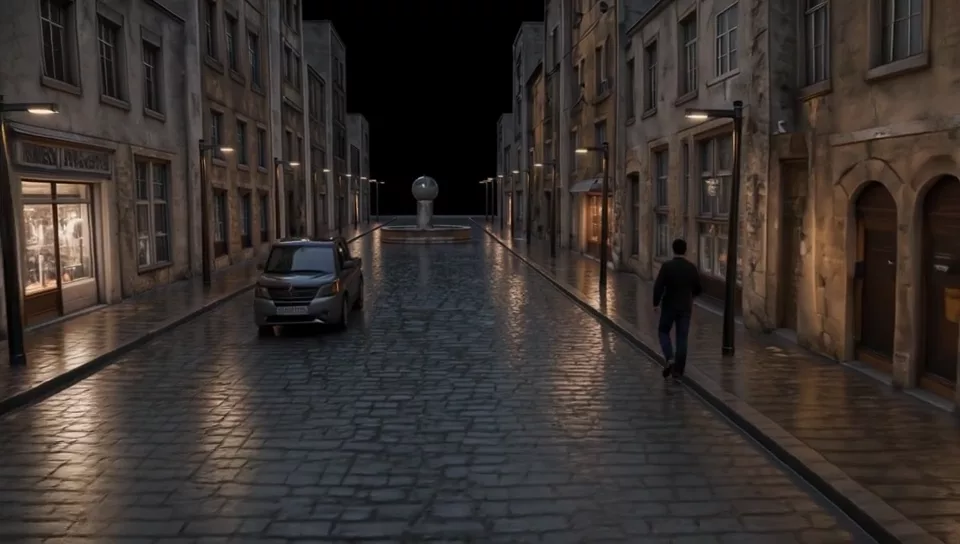 LayoutRender
Also in Film work
Coming soon
Leave your email and we will send one message when it is ready to install.